You haven't signed in yet, you can have a better experience after signing in
*Please complete the payment within {{receiveCouponInfo.expire_at}}Previous use*
You haven't signed in yet, you can have a better experience after signing in



Activity Rules
1、Activity time:{{ info.groupon.start_at }} ~ {{ info.groupon.end_at }}。
1、Activity time:cease when sold out。
2、Validity period of the Group Buying:{{ info.groupon.expire_days * 24 }} hours。
3、Number of Group Buying:{{ info.groupon.need_count }}x。
Please Pay Attention
1、Teamwork process: Join/initiate a Group Buying and make a successful payment - Within the validity period, the number of team members meets the activity requirements - Group Buying succeeded!
2、If the number of participants cannot be met within the valid period, the group will fail, and the paid amount will be refunded in the original way.
3、The number of people required and the time of the event may vary among different products. Please pay attention to the rules of the event.
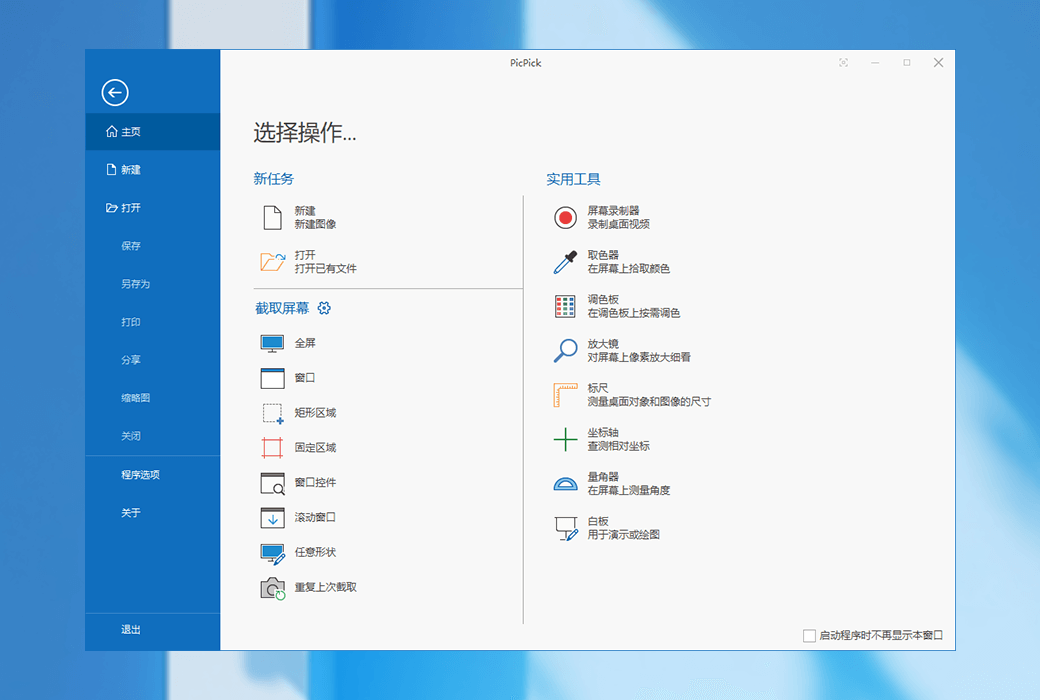
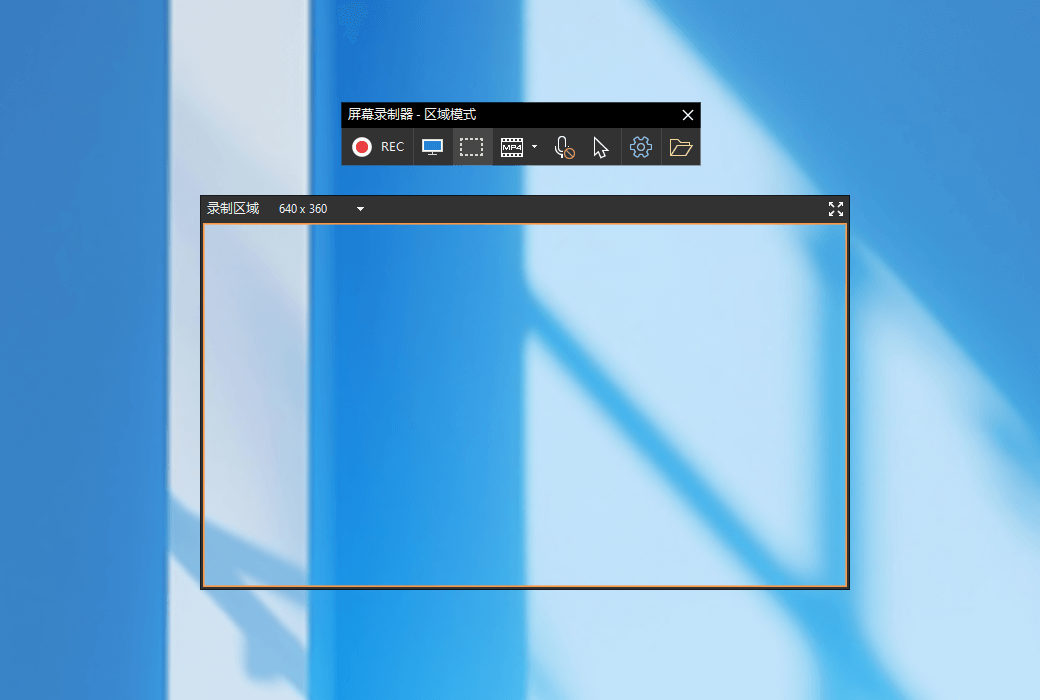
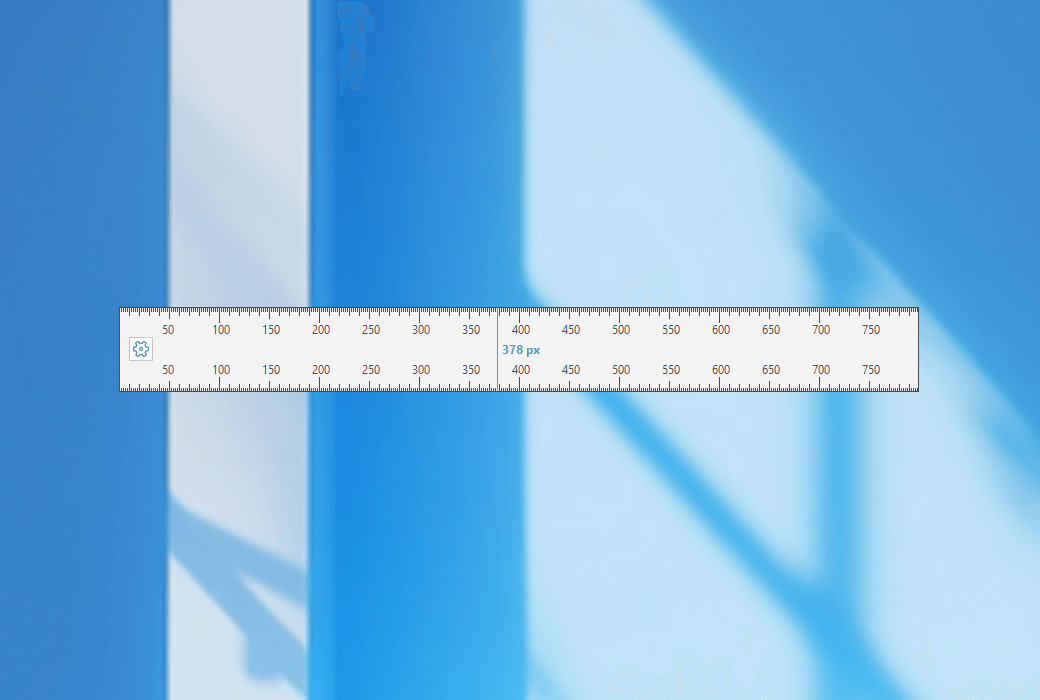
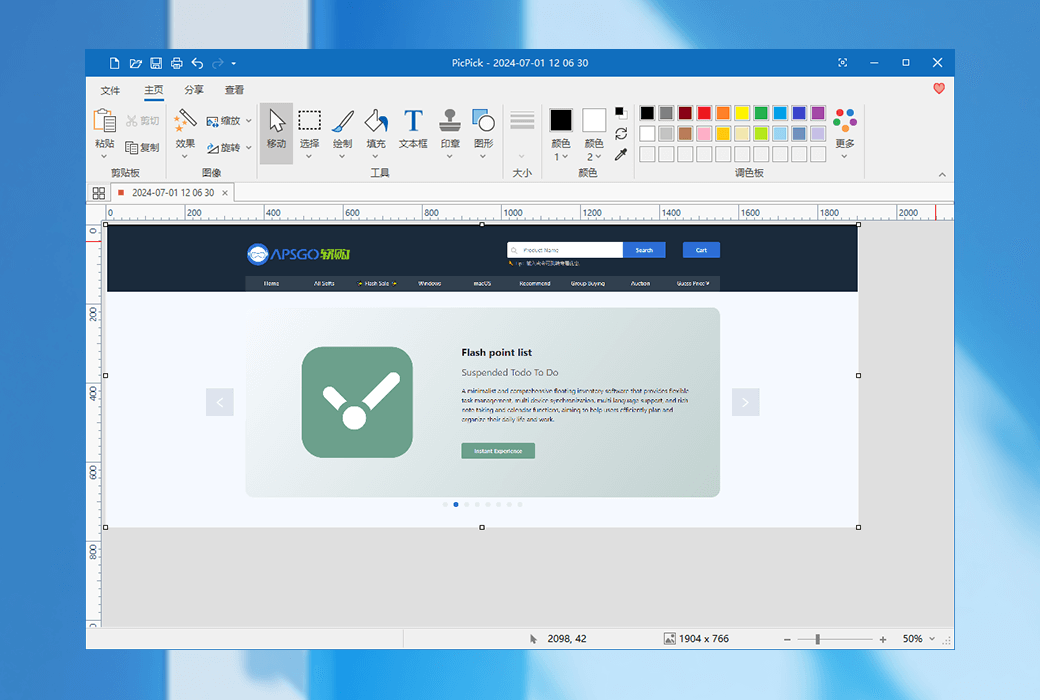
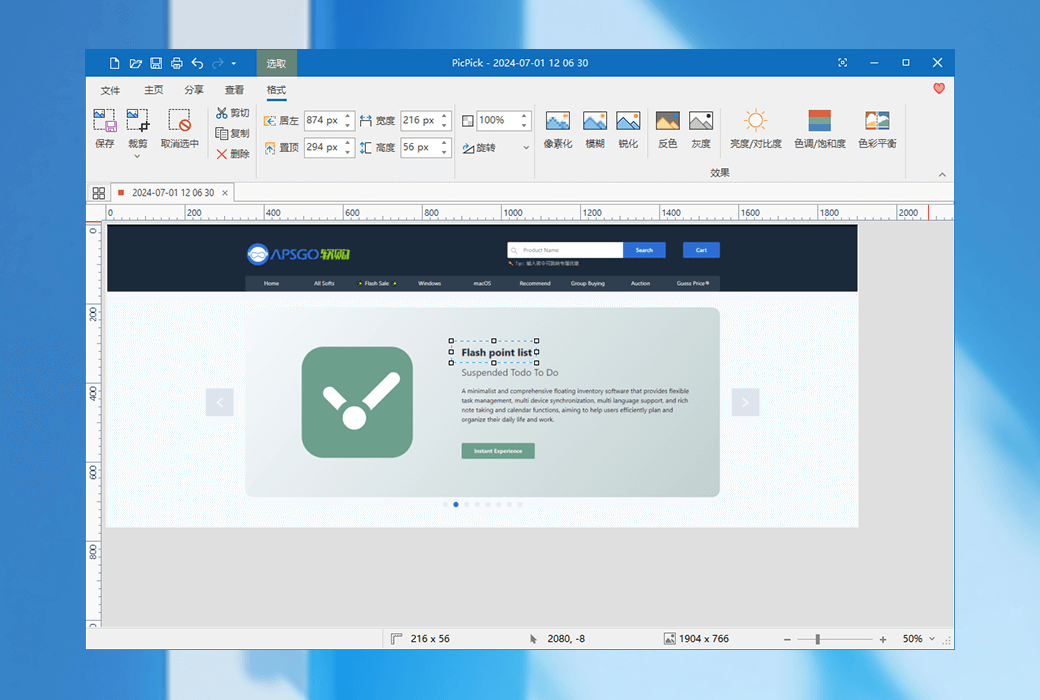
A fully functional screenshot tool, intuitive image editor, color picker, color palette, pixel ruler, protractor, sightline, whiteboard, and more.
Features
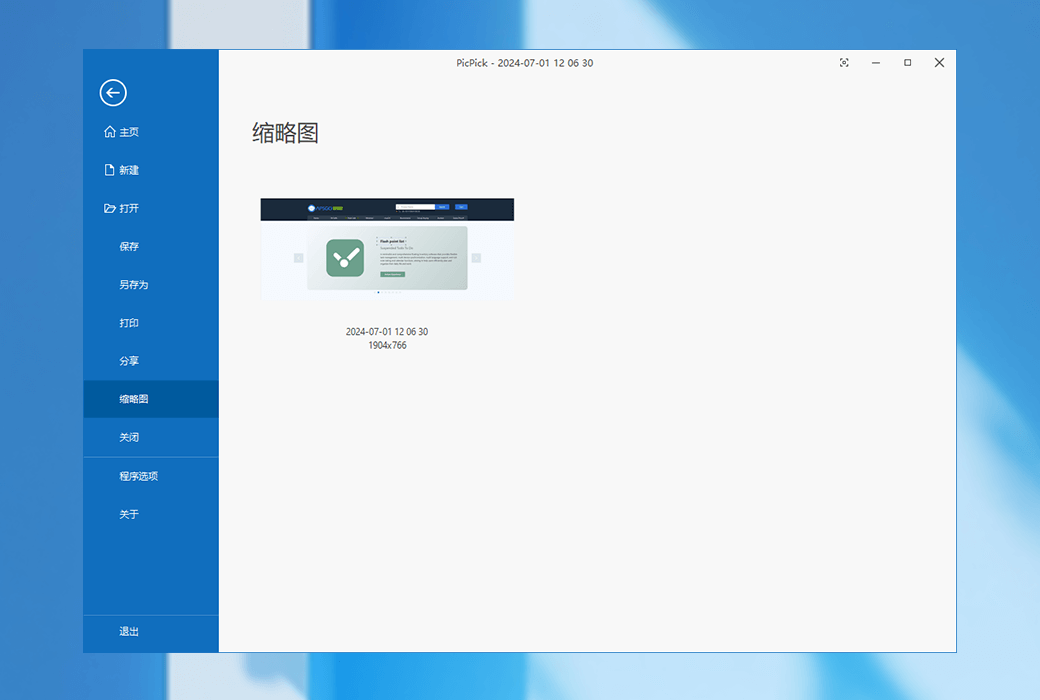
Capture screenshots of the entire screen, active windows, scrolling desktop windows, and any specific area, and more.
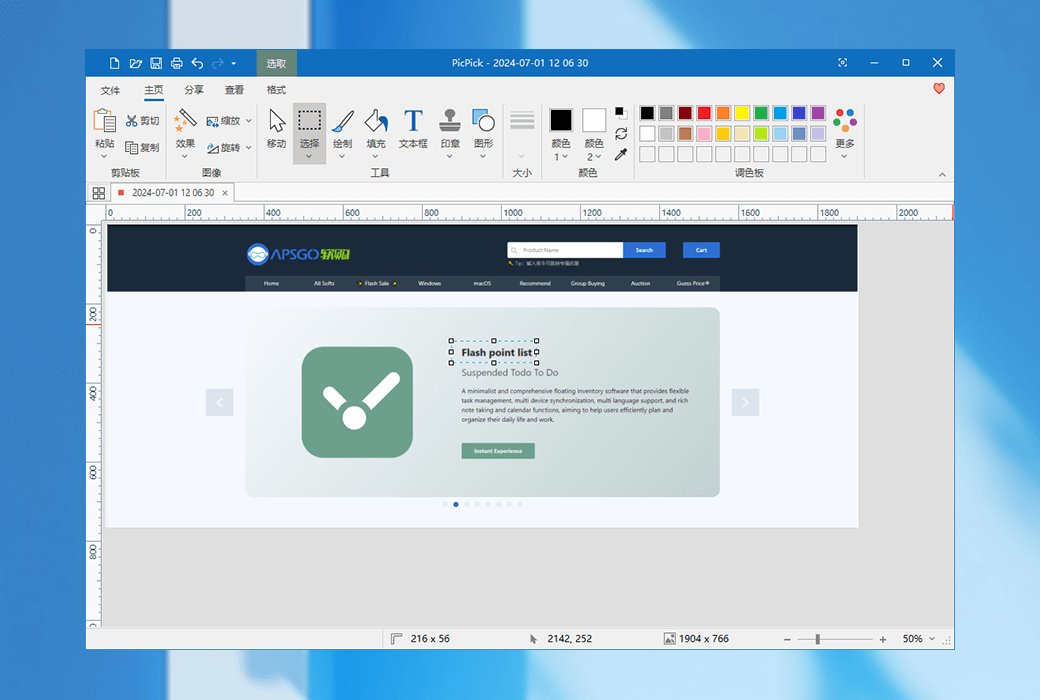
Annotate and mark up your images: You can use the built-in image editor with text, arrows, shapes, and more, and the editor also comes with the latest Ribbon-style menu.
Add various effects to your images: Shadows, frames, watermarks, mosaics, motion blur, brightness control, and more.
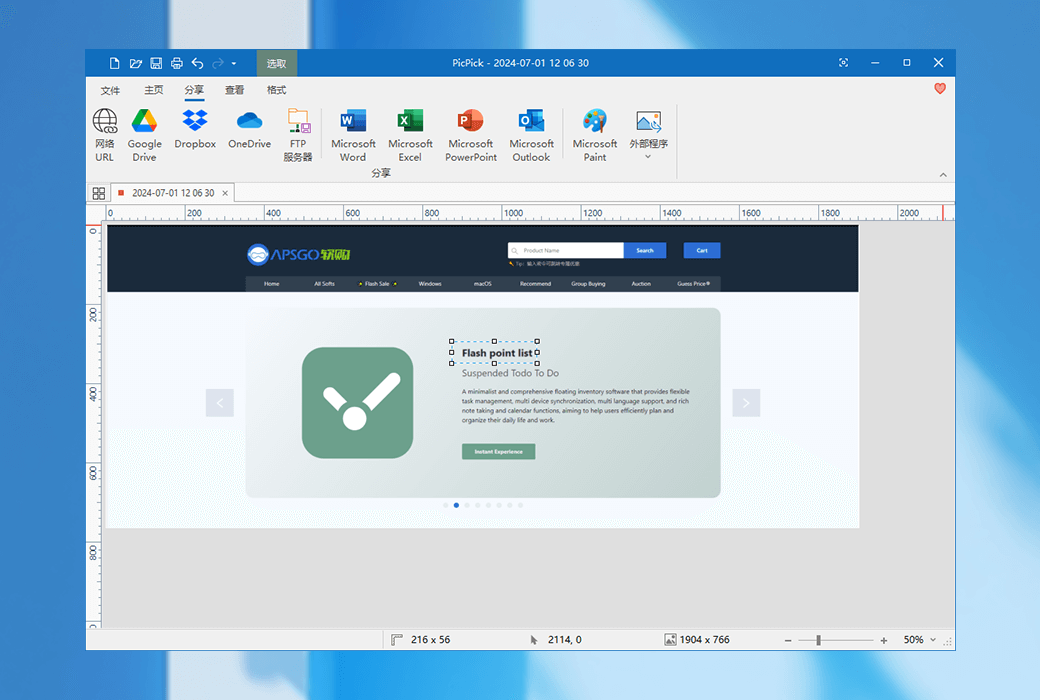
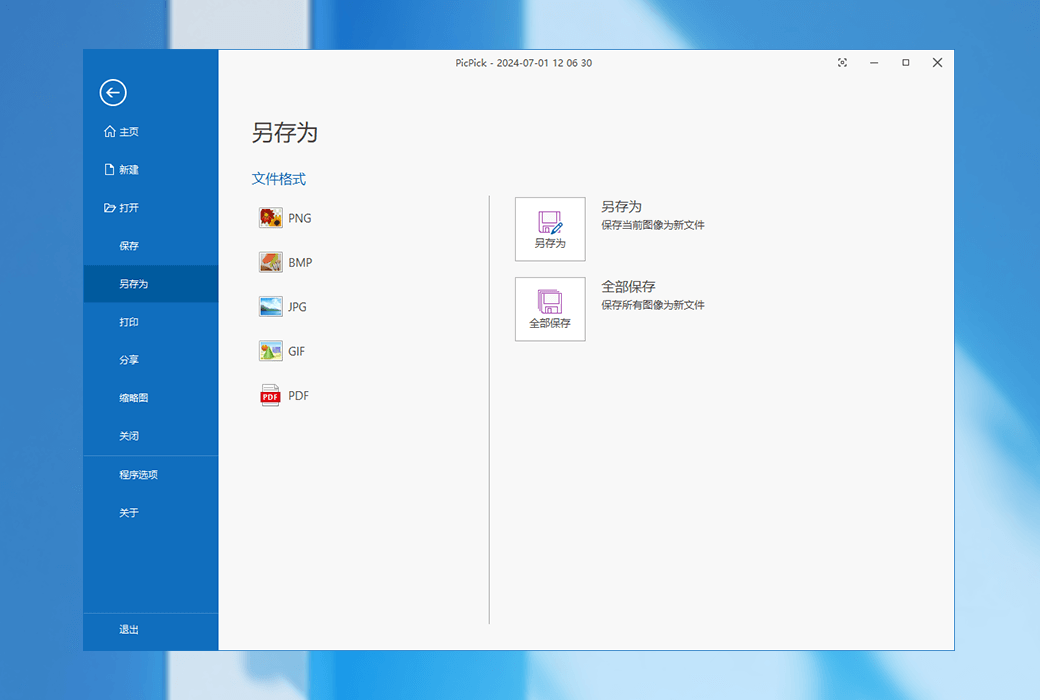
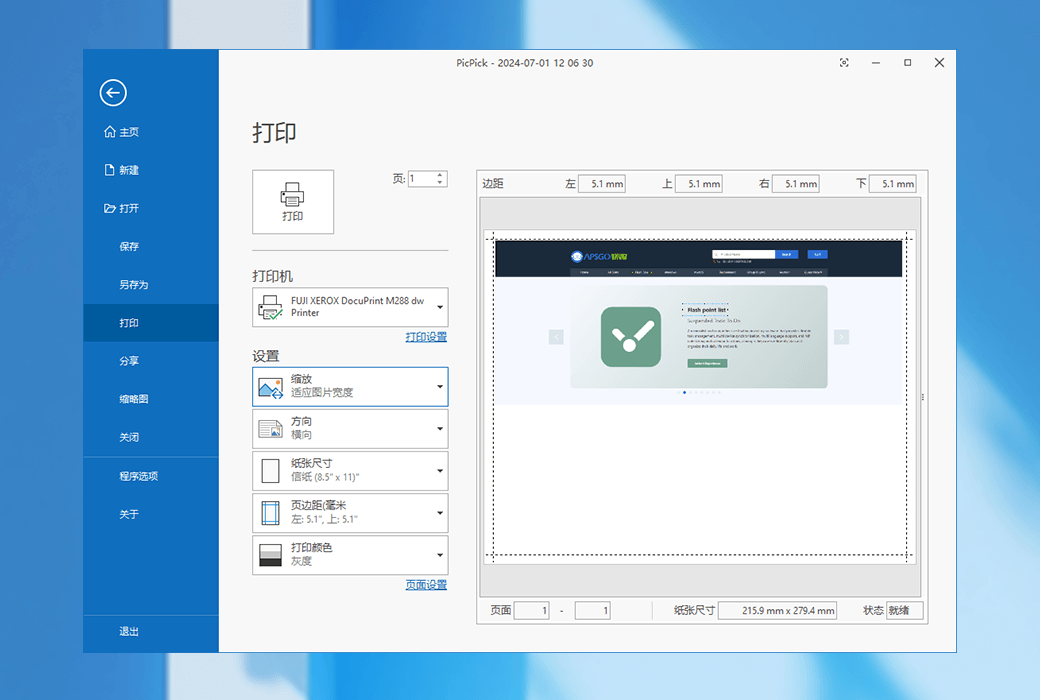
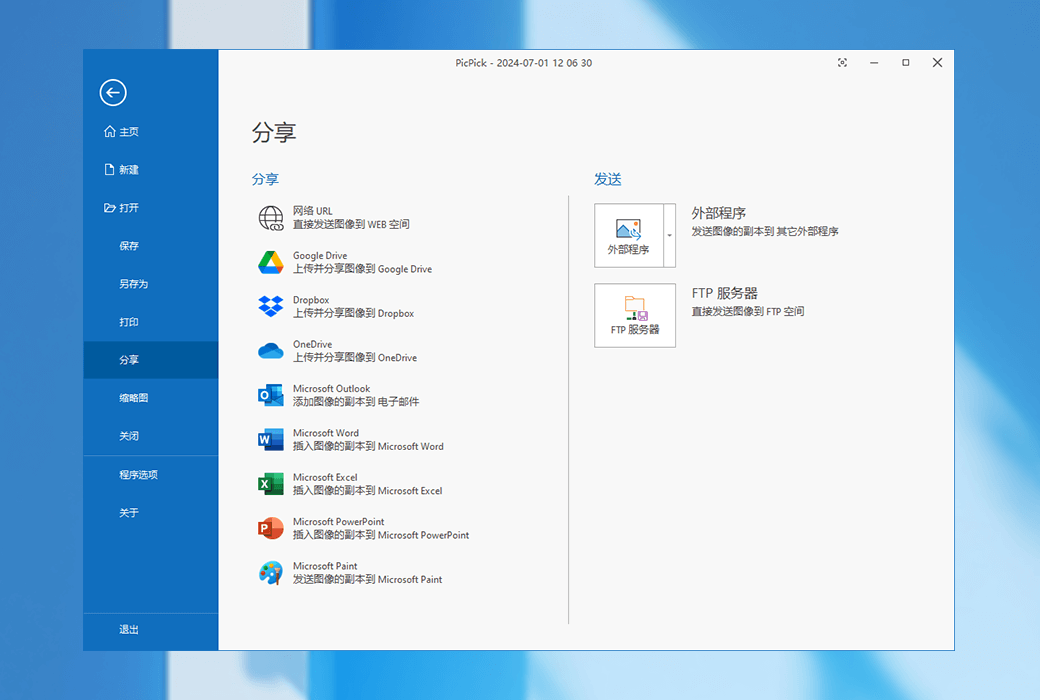
Save, share, or send your photos via the web, email, FTP, Dropbox, Google Drive, SkyDrive, Box, Evernote, Facebook, Twitter, and more.
Various graphic design accessories include color picker, color palette, pixel ruler, protractor, sightline, magnifying glass, and whiteboard.
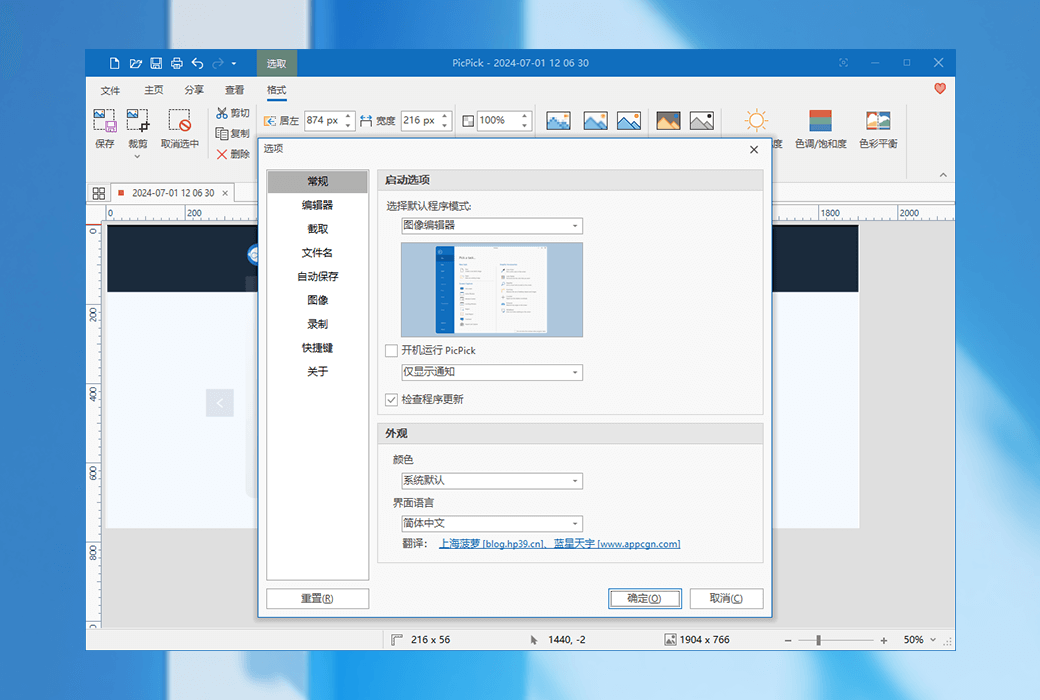
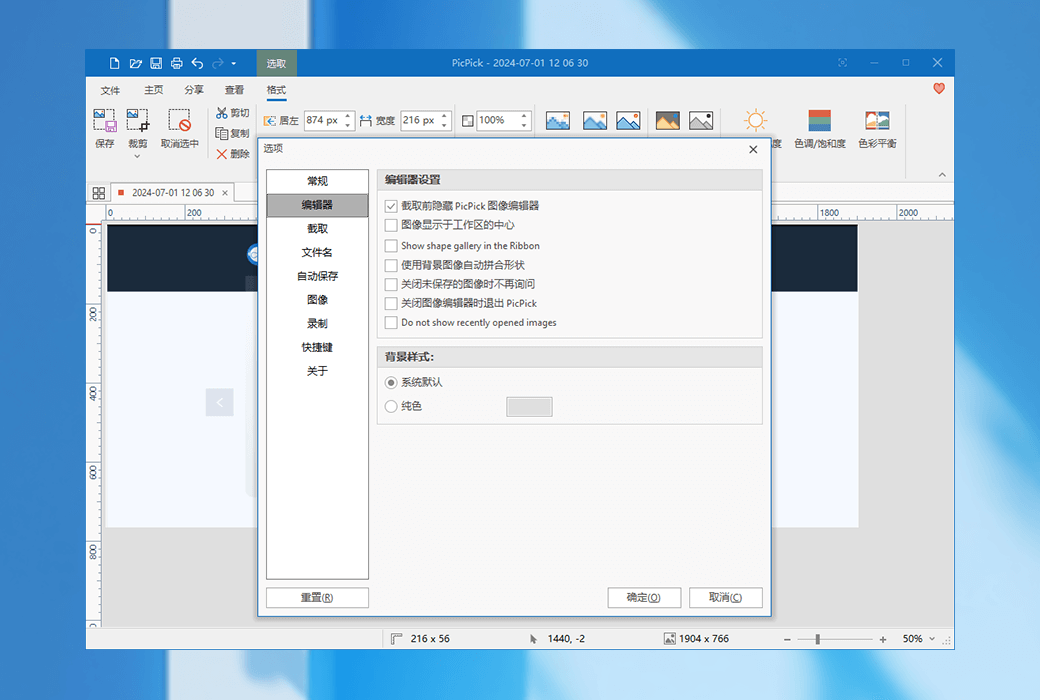
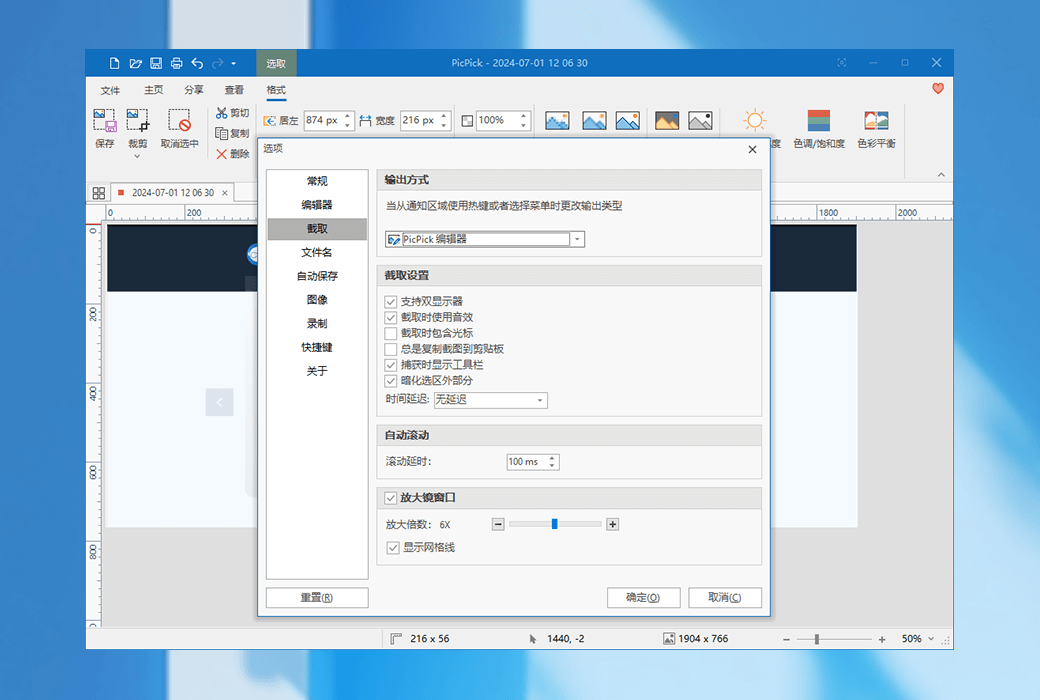
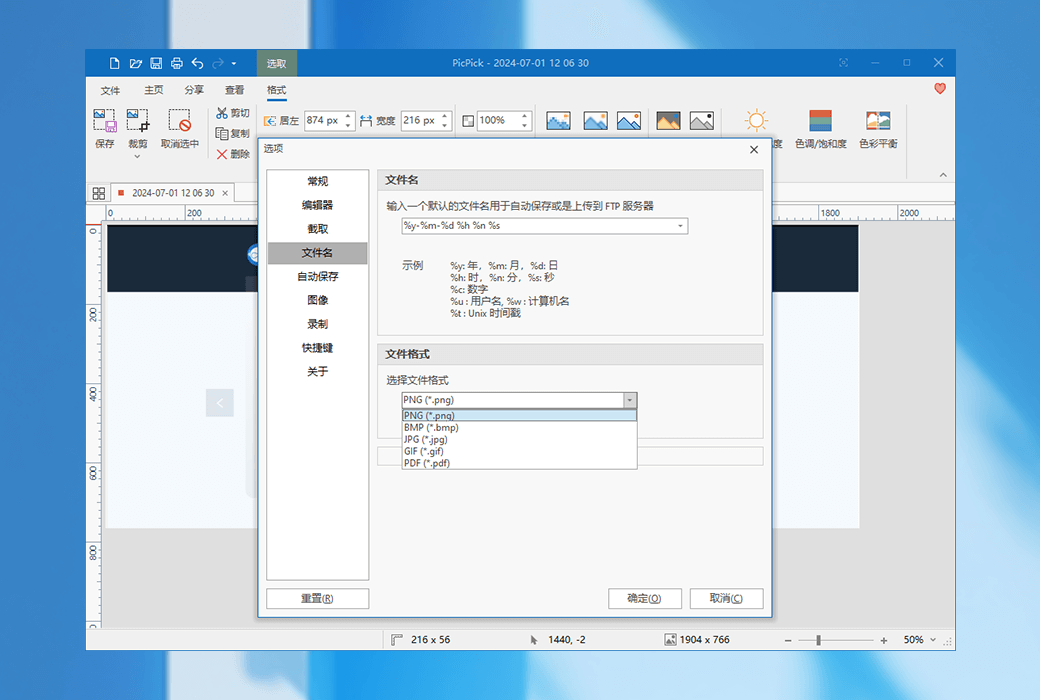
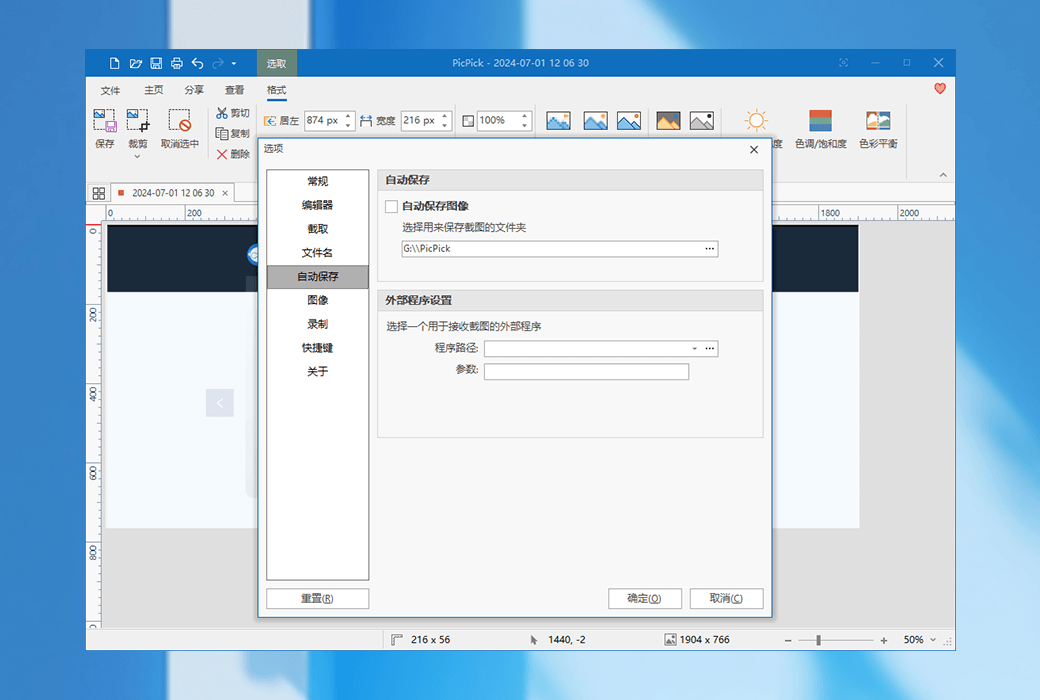
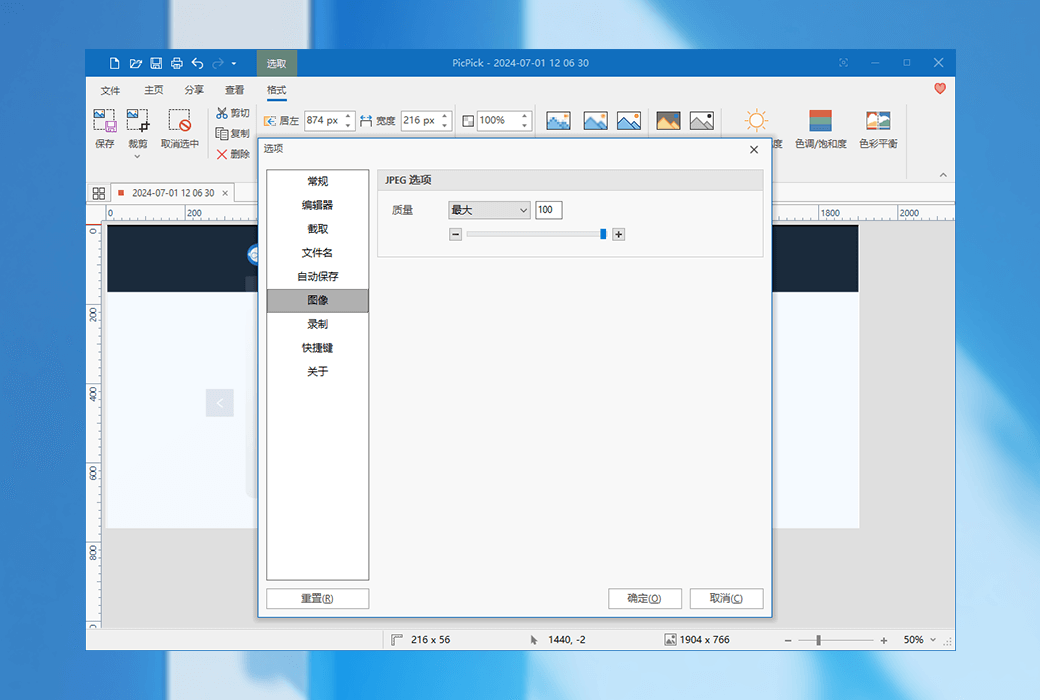
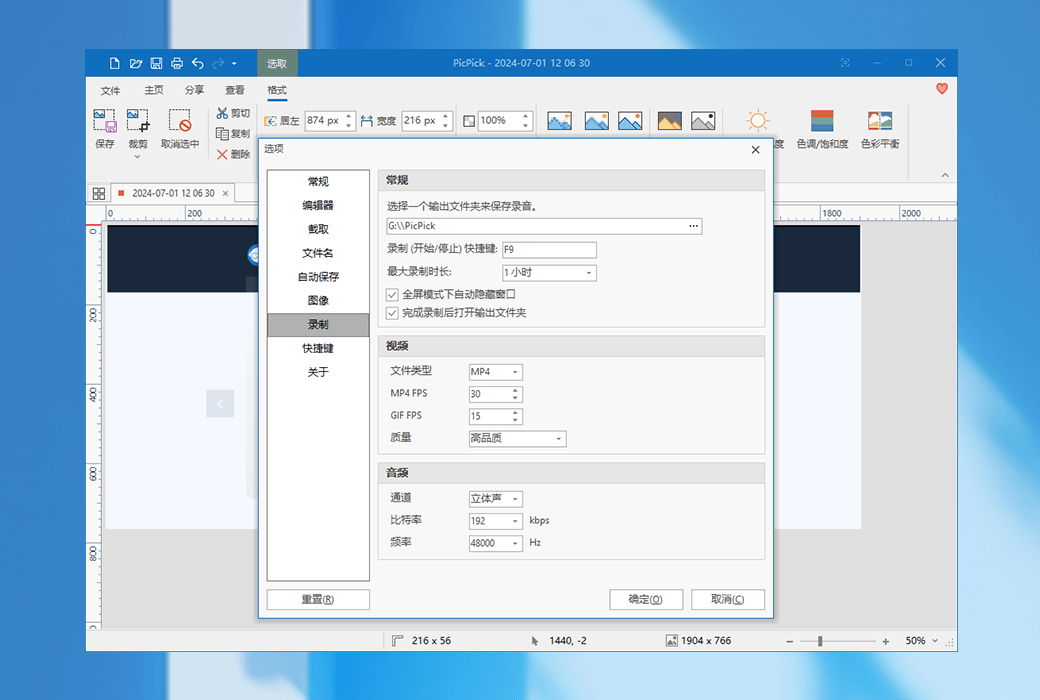
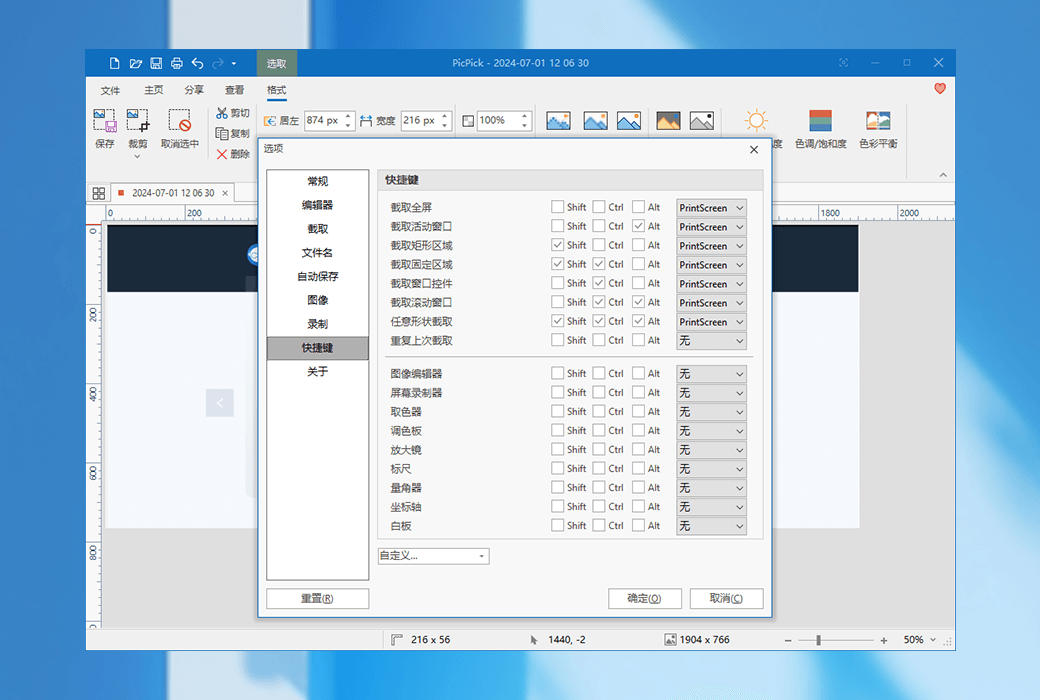
The software comes with various advanced settings, allowing you to customize shortcut keys, file naming, image quality, and many other features.
Official Website:https://picpick.app/zh/
Download Center:https://picpick.apsgo.cn
Delivery Time: Automatic delivery within 24 hours
Operating Platform: Windows
Interface Language: Supports Chinese interface display, with multiple languages available.
Update Instructions: Update and use within the validity period.
Trial Before Purchase: Free trial available before purchase.
How to Receive the Product: After purchase, the activation information will be sent to the email address used for ordering via email. Meanwhile, you can view the corresponding product activation code in your personal center, under "My Orders".
Number of Devices: Can be installed on 2 computers.
Changing Computers: Uninstall on the original computer and activate on the new one.
Activation Guide: To be added.
Special Instructions: To be added.
References:https://picpick.app/zh/buy

Any question

Hello!
Thank you for your question.
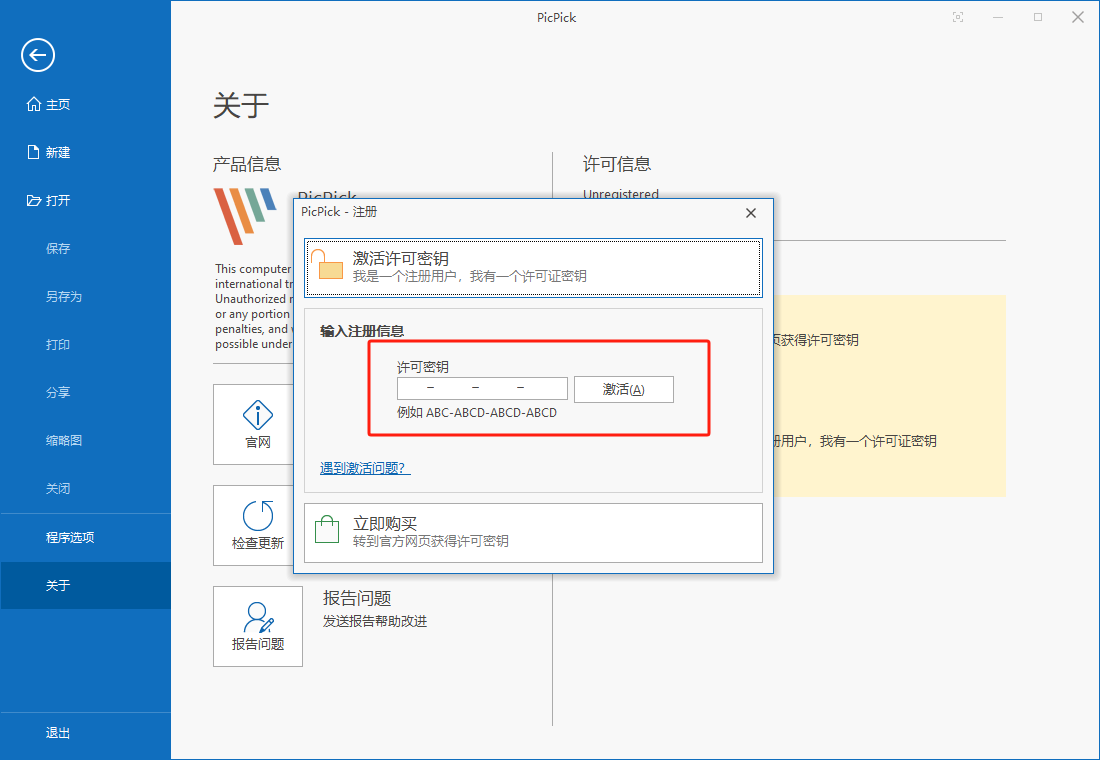
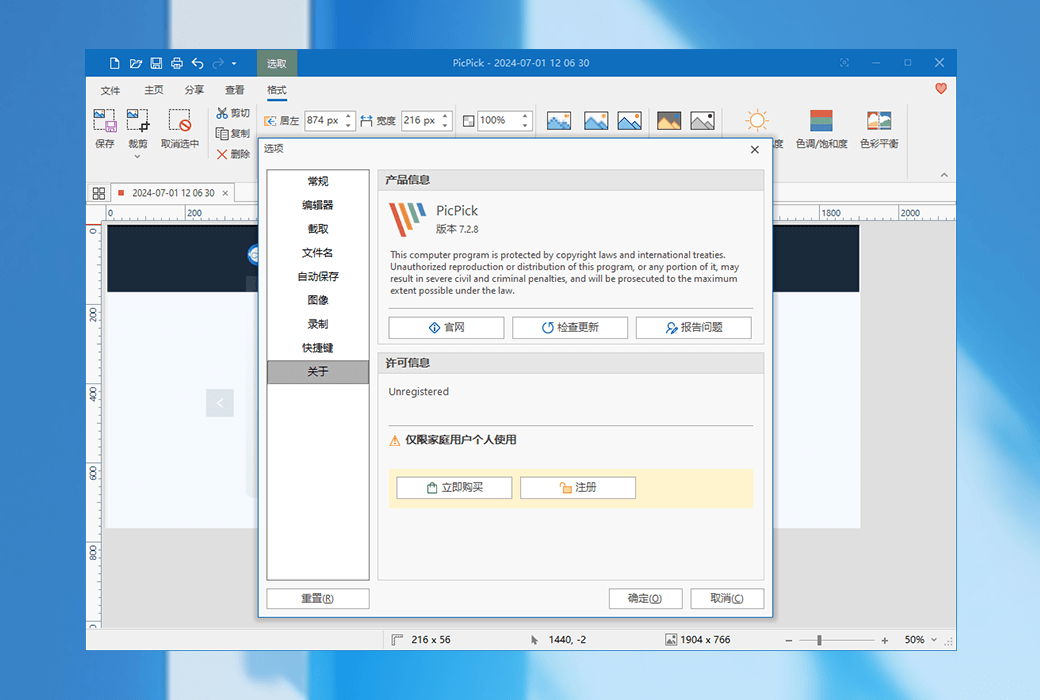
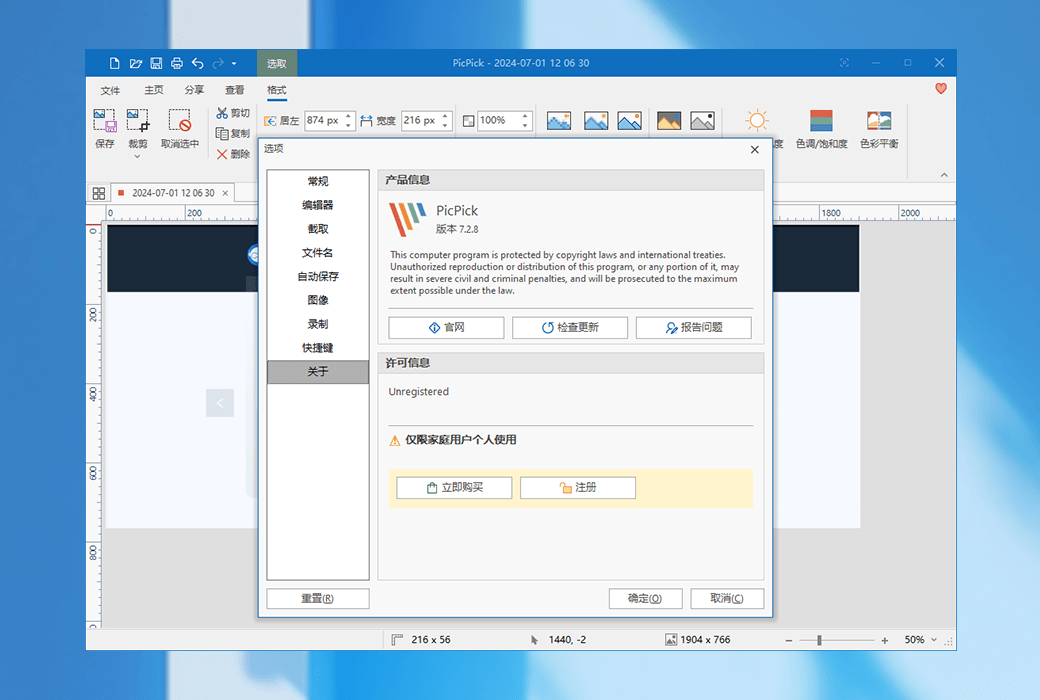
Click on 'About' in the settings to seeregisterClick the button and fill in your license information to activate.

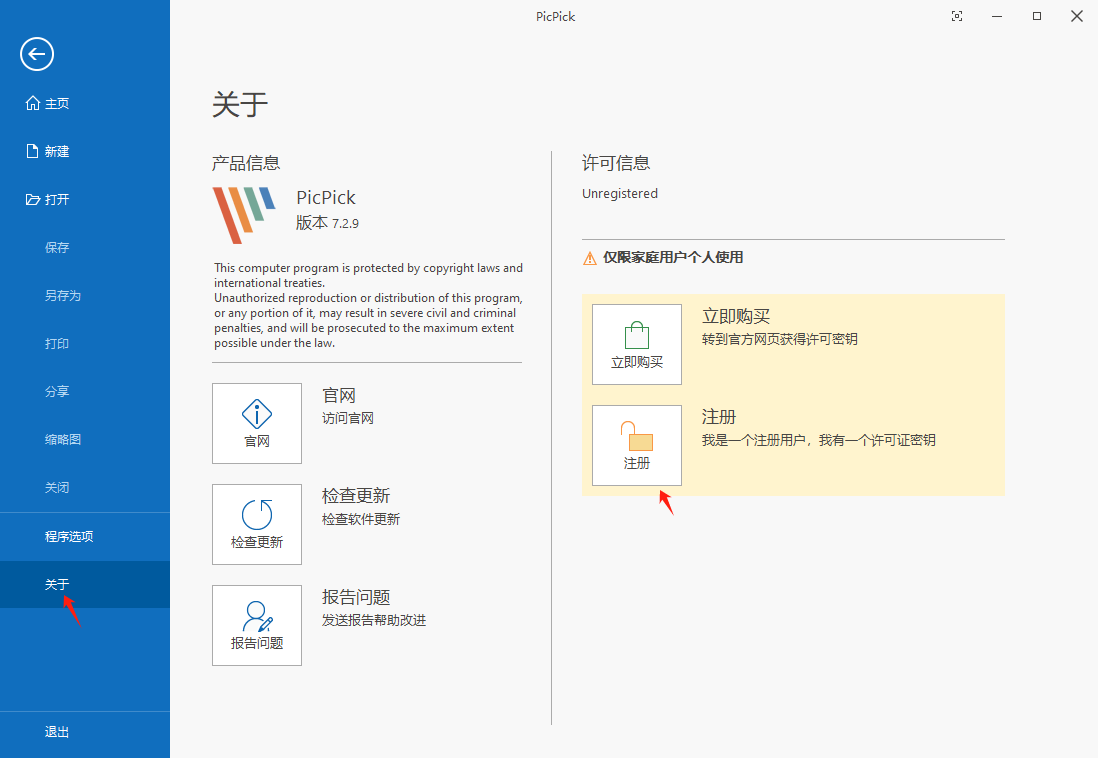
2. After downloading the official software, open it and click on "About" ->"Register" ->"Enter the product key received in the email to activate it